
I’m a product person. I love seeing ideas come to life.
When I built Meeting Manager, it took two years to get from concept to MVP. I will never forget touching some of those features and thinking wow, this really works. And those first customers? How rewarding it was to share the delight of their experience.
So when I heard about the Bolt hackathon, I couldn’t resist. One month to build something? With AI tools like Bolt and Lovable? Let’s see what can happen when speed meets strategy.
The Idea
AI has fueled my idea factory. What if I built this? For this hackathon, I wanted something beyond just personal fun—something useful yet flashy that could also scale beyond one user. My writing community and creative side inspired me. What if story words could have a swipe-based discovery? One first line. One impression. Swipe to keep reading—or not. For authors and publishers, it could be a fast, engaging way to test what resonates. For readers, it’s fun and frictionless.
Tinder for Tales was the concept. A web app for writers and publishers to test engagement with first lines.
Day 0: Preparation
I spent the week before doing more than dreaming. I wrote a business plan and solidified my market with audience, competition, and pricing tiers. I designed MVP and wrote a PRD, and outlined screen flow. This helped me breakdown prompts for bolt into chunks that could be implemented and tested in stages. It drew boundaries for the hackathon, yet prioritized framework for scaling later. I hoped it would help me slowdown when bolt made it feel easy and hid backend shortcuts and assumptions (something I’ve experienced as an AI user on smaller projects—and with a dedicated 7 person engineering team). I was ready for Day 1.
Day 1: Reader Pages & Rough Starts
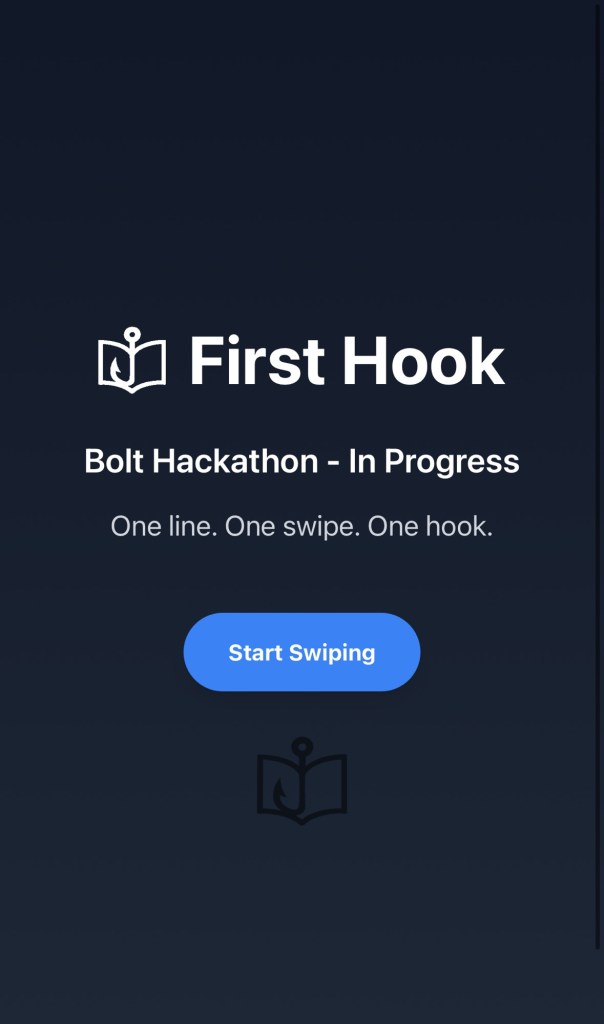
I kicked things off by creating the reader-facing pages. Bolt made the basics easy and fun. It let me generate a working prototype instantly. It generated content (first lines) that added to my experience. I quickly ran into a few quirks:
The swipe motion detection wasn’t quite working out of the box. My uploaded logo had background issues—inverting colors and transparency problems. I was glad to have small issues to learn from upfront and solved some myself, and some with a literal click of “fix it” with bolt.
Even with those hiccups, it felt amazing to see something visual so quickly.
Day 2: Admin Setup & Supabase
Next, I built an admin page and added navigation to it from the reader screen. With my background in data management, it didn’t take long to recognize new entries triggered to add a database.
Enter Supabase. I signed up and began learning how to structure data, all while using Bolt’s discussion feature to avoid diving blindly into bugs. It felt like pair programming with AI.
Day 3: First Table, First Breaks
I successfully integrated Supabase and created my first table and data entries. They showed up on the reader app!
But then: load errors. I still couldn’t save new entries as an admin despite meeting the field and ID requirements. A fix from Bolt broke something else in the app.
Day 4: Debug Spiral
I was at a critical point: my pretty screens were working less than before and the issues were more complex but for stupid reasons. camelCase vs lowercase frustration and API secrets. Bolt’s recommended fix added a required login, which broke more stuff. I started setting up Google Auth, which required matching URIs and redirect paths. Next step: Set up Netlify.
It felt like progress but I had nothing to show for it.
Day 5: Deployment Drama
I bought firsthook.net. Something I rarely do on personal projects and it now felt serious.
To get Google Auth working, I had to:
- Add OAuth credentials to Google APIs
- Sync everything with Supabase and Netlify
- Add API keys as Netlify environment variables
But I kept getting failures with no error messages. Turns out: no one had logged in yet, so no user existed in Supabase. Redirects were broken too.
ChatGPT suggested deploying the app to fix some of the issues. Bolt was connected to GitHub but launched its own random site (“jazzy-custard”). I had to delete mine and redo everything.
Finally, I clicked deploy and…
HOLY SH*T IT WORKED!
The app was live. Google Auth worked. The redirect after signing in didn’t… but that’s a problem for another day.
Day 6: Revisiting the Basics
I had a few gaps in my plan concerning test data and branding that I needed to focus and complete for my next step.
What I’ve Learned (So Far)
This hackathon is time-bound which I thrive under. I stayed up until 3am for fun because I get undisputed focus time from my family. But it’s not just about speed to finish; it’s about clarity.
Scope creep isn’t always a bad idea when you’re in discovery mode, but knowing the difference between exploration and realization of value is key. Stacking features isn’t “more” but you need to have the right features to wow.
My goal is still the same: learn, build, publish. Not perfect but something useful today with future potential.
 Krista Gamble | K.M. Hasling